Episodes
Gorilla Whoop Whoop, Episode 3: The Rebuild
Previously, on Gorilla Whoop Whoop
Three episodes of diagnosis. One broken frame, one bent motor, two suspicious batteries, and a growing pile of parts on the table: a new frame, new props, a spare canopy, three new antennas, and a set of spare motors.
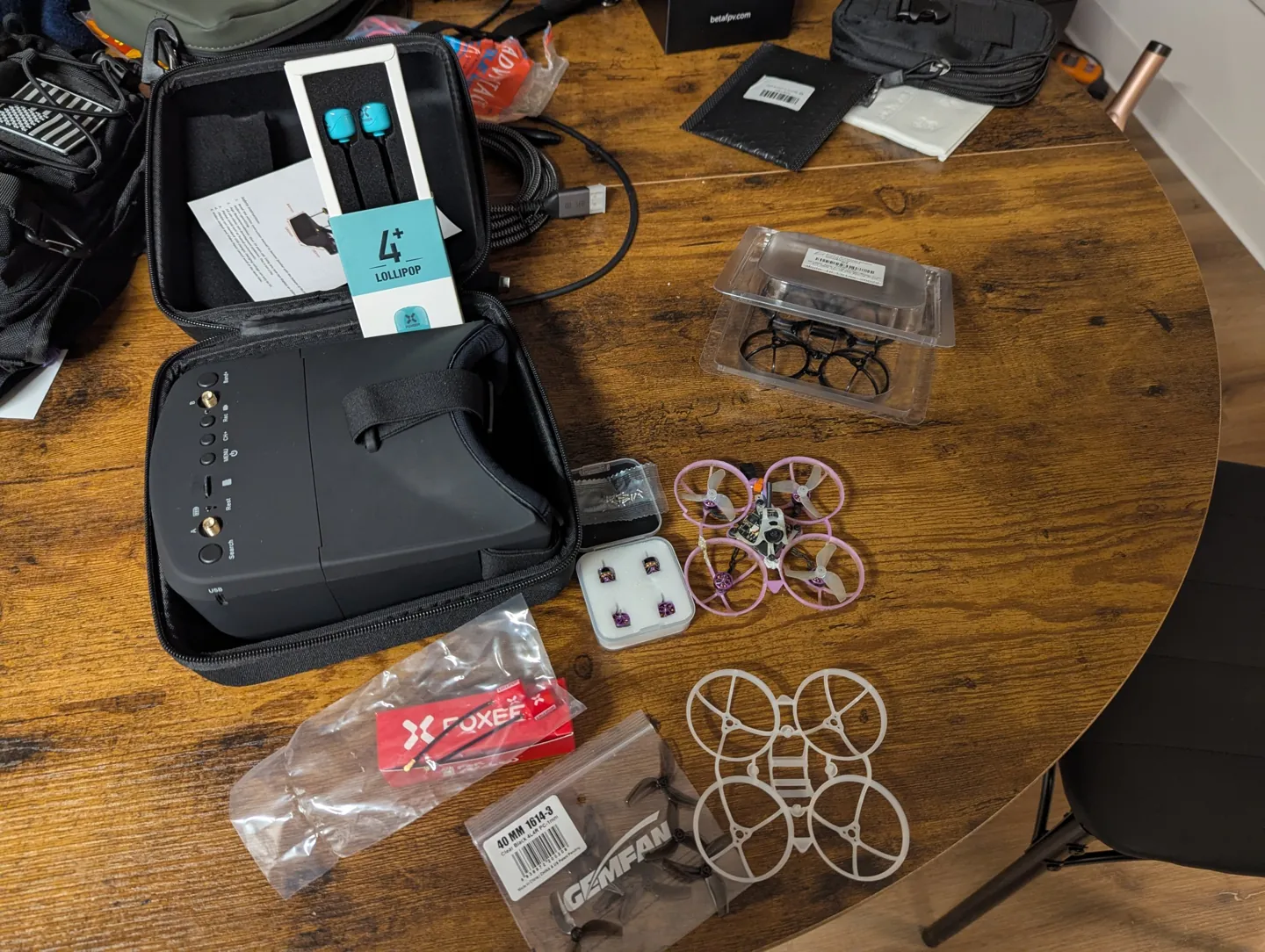
The spare motors were meant to stay spare. That was the plan. This episode is about what happened to the plan.
The plan
The plan was thorough. It had phases. It had a checklist.
- Back up the Betaflight settings and photograph everything.
- Strip the old frame down to the electronics.
- Take the bent motor completely apart: pop the tiny clip off the bottom of the shaft, slide the bell off, and inspect the magnets, bearings, shaft and windings.
- Clean it, rebuild it, test it with a multimeter and in Betaflight.
- Reuse it if it passed, swap in a spare if it didn't.
- Build everything into the new frame.
It was a good plan. It assumed I could get the clip off.
The clip that would not move
On a motor this small, the spinning outer part (the bell) is held onto the rest of the motor by a C-clip on the bottom of a 1 mm shaft. The clip is smaller than a grain of rice and is, apparently, welded on by spite.
I tried. Repeatedly. The clip did not move. It did, however, get thoroughly mangled, which is the clip's way of saying "no" permanently. And on a part this tiny, pushing harder is how you bend the shaft you were trying to save, so I stopped. The bent motor would not be getting a teardown.
That would have been fine. One motor down, one spare in. Then came the second casualty.
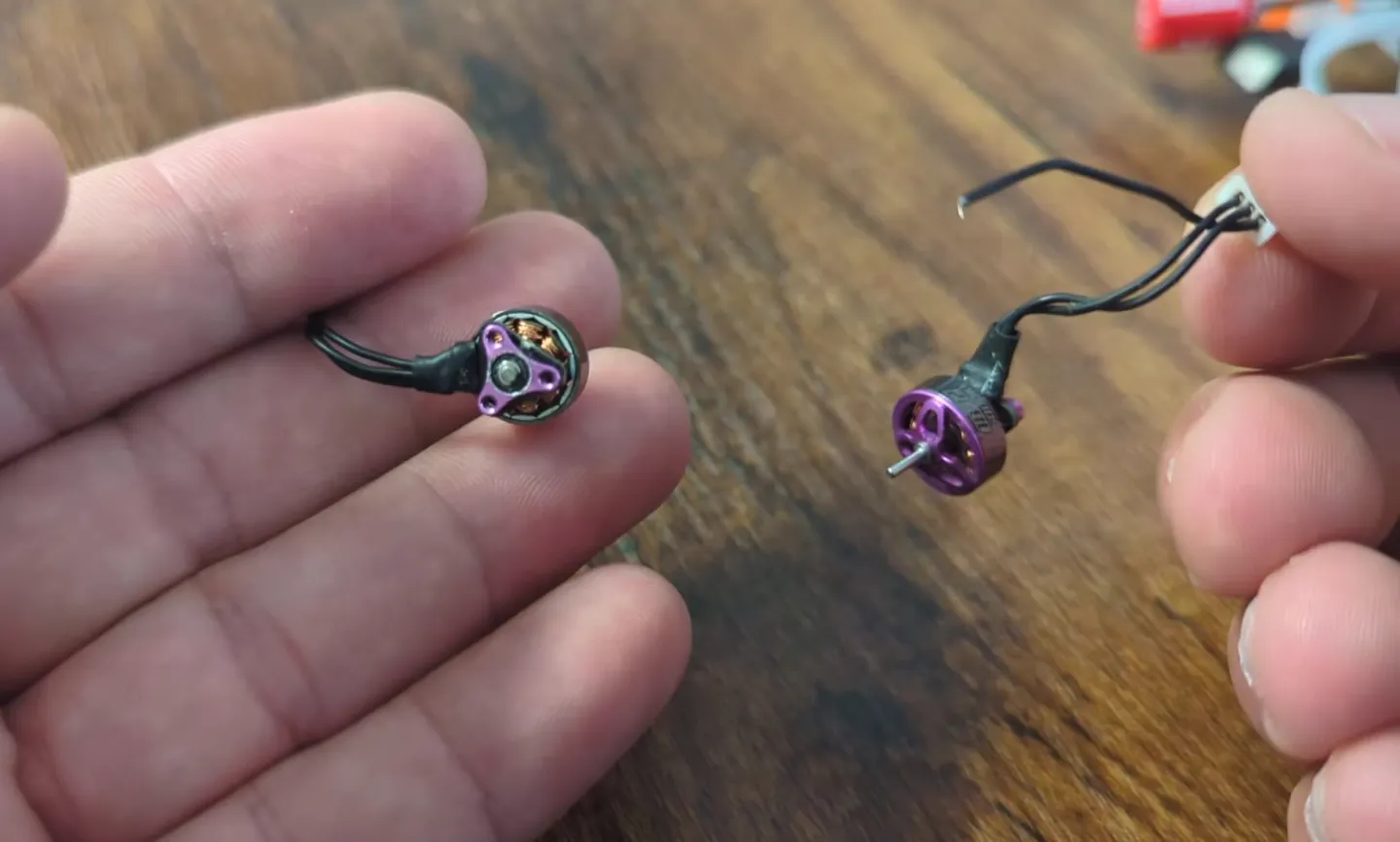
During teardown, I handled a second motor a little too firmly. Whoop motor wires are thinner than hair, and one of them snapped clean off. That motor had been perfectly healthy until I helped it.
Final count: two motors out, positions 1 (rear right) and 2 (front right). Neither is going in the trash. They're now donor motors: a source of clips, bells, bearings and screws for the next time something breaks. Which, based on everything so far, is soon.
The screw that escaped
The motor screws on a whoop are absurdly small. You don't so much hold them as negotiate with them. One of them left. I don't know where it went. It is somewhere in my apartment now, and it lives there.
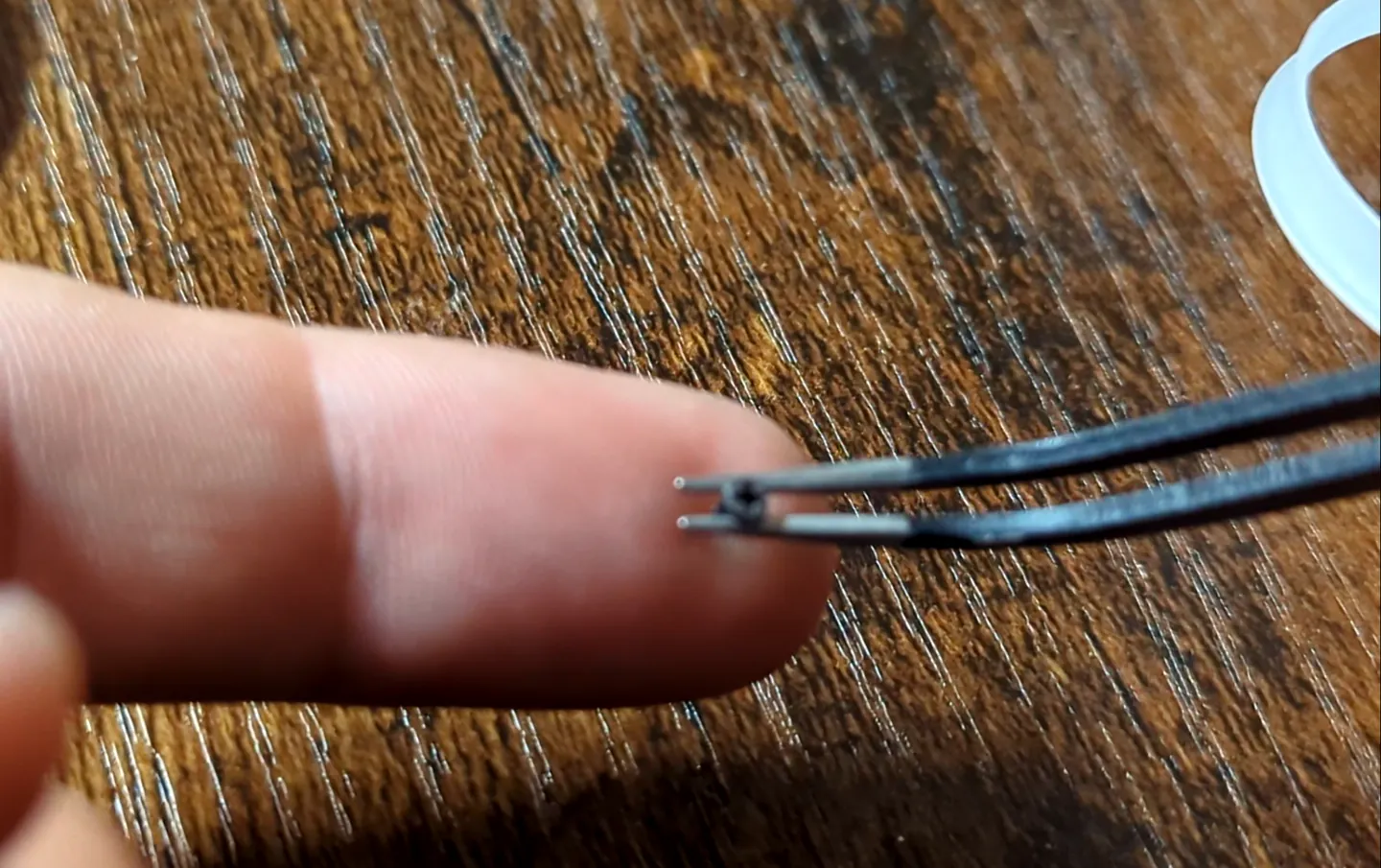
The good news: tiny screws come in the box. Both the drone and the spare motors shipped with extras, and I had kept them. Missing screw replaced, crisis averted.
If you're doing this yourself: work over a light-colored towel or a magnetic mat, and keep every spare screw that comes with anything. Also keep the original short screws for the motors. A screw that's too long can poke into the motor windings and kill a perfectly good motor, which would have made three.
Putting it back together
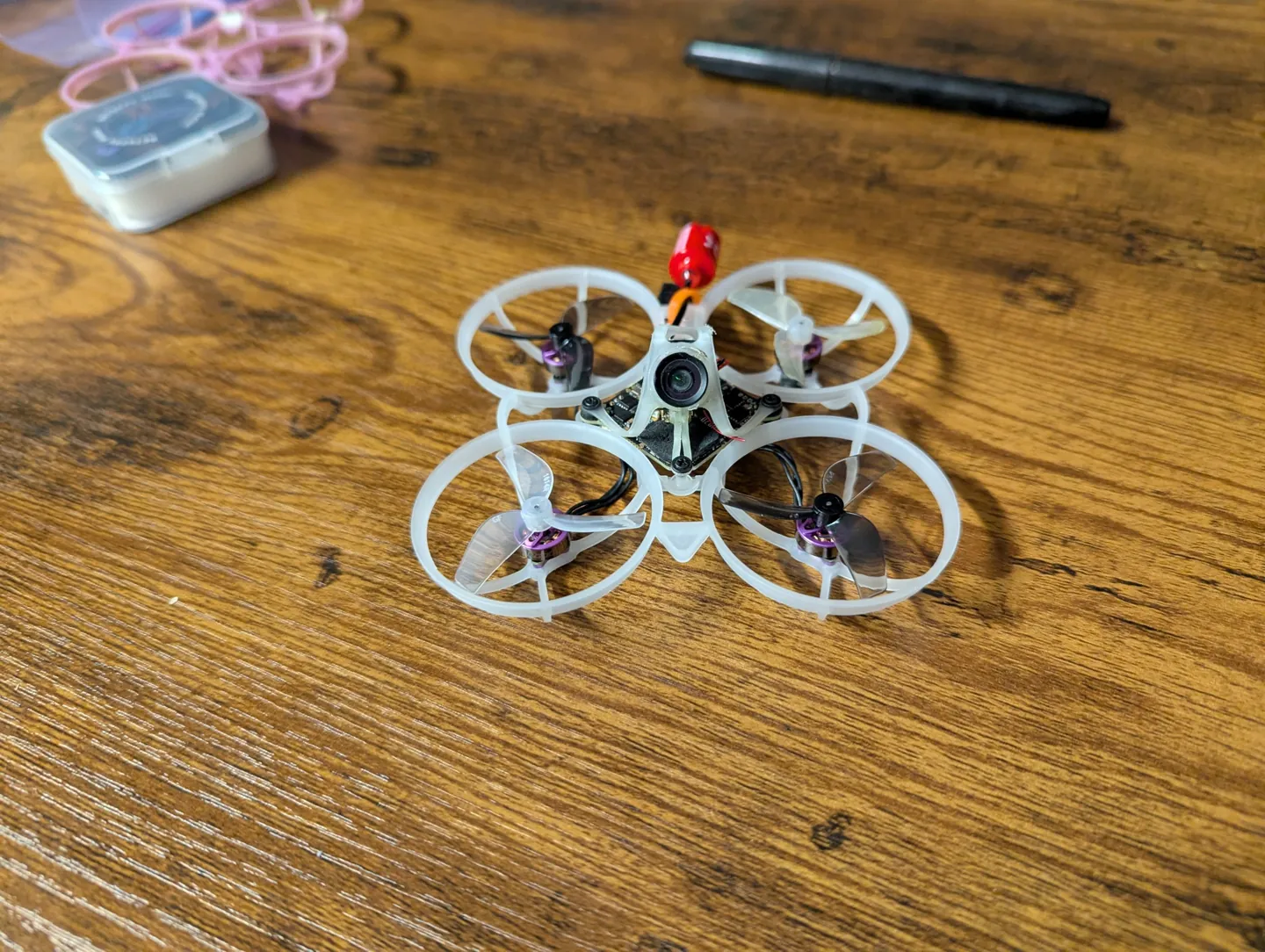
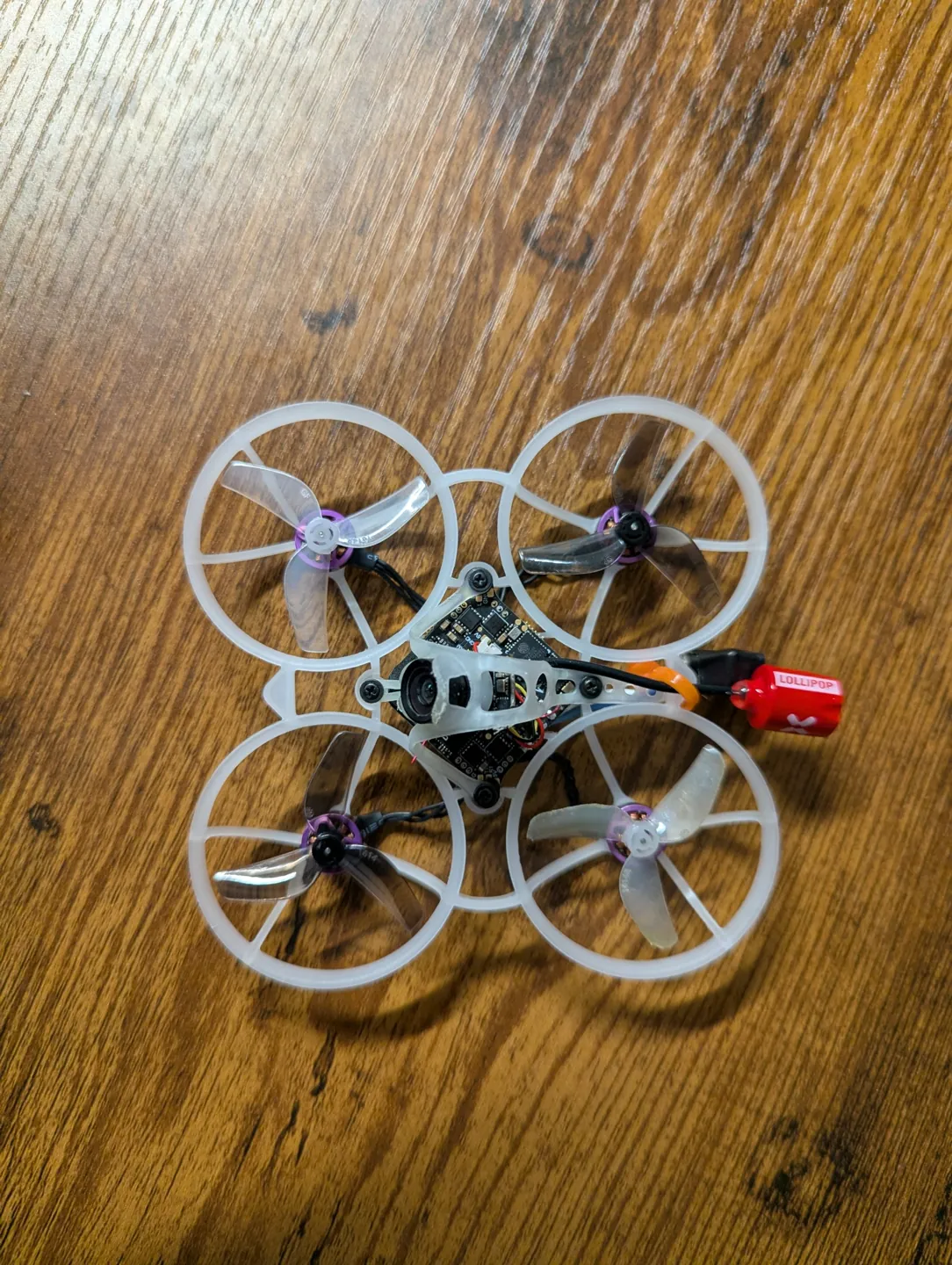
With the casualties sorted, the build itself was straightforward:
| Part | What went in |
|---|---|
| Frame | Brand new Air75 frame |
| Motors 1 and 2 | Two spares, 0802 25000KV, matching the originals |
| Motors 3 and 4 | The surviving originals |
| Flight controller | Same board, arrow pointing forward, motors in the same sockets |
| Canopy and camera | Original canopy (still good enough to keep), same camera |
| Props | Fresh set, props out |
| Drone antenna | Foxeer Lollipop Super Mini, RHCP, snapped onto the U.FL socket |
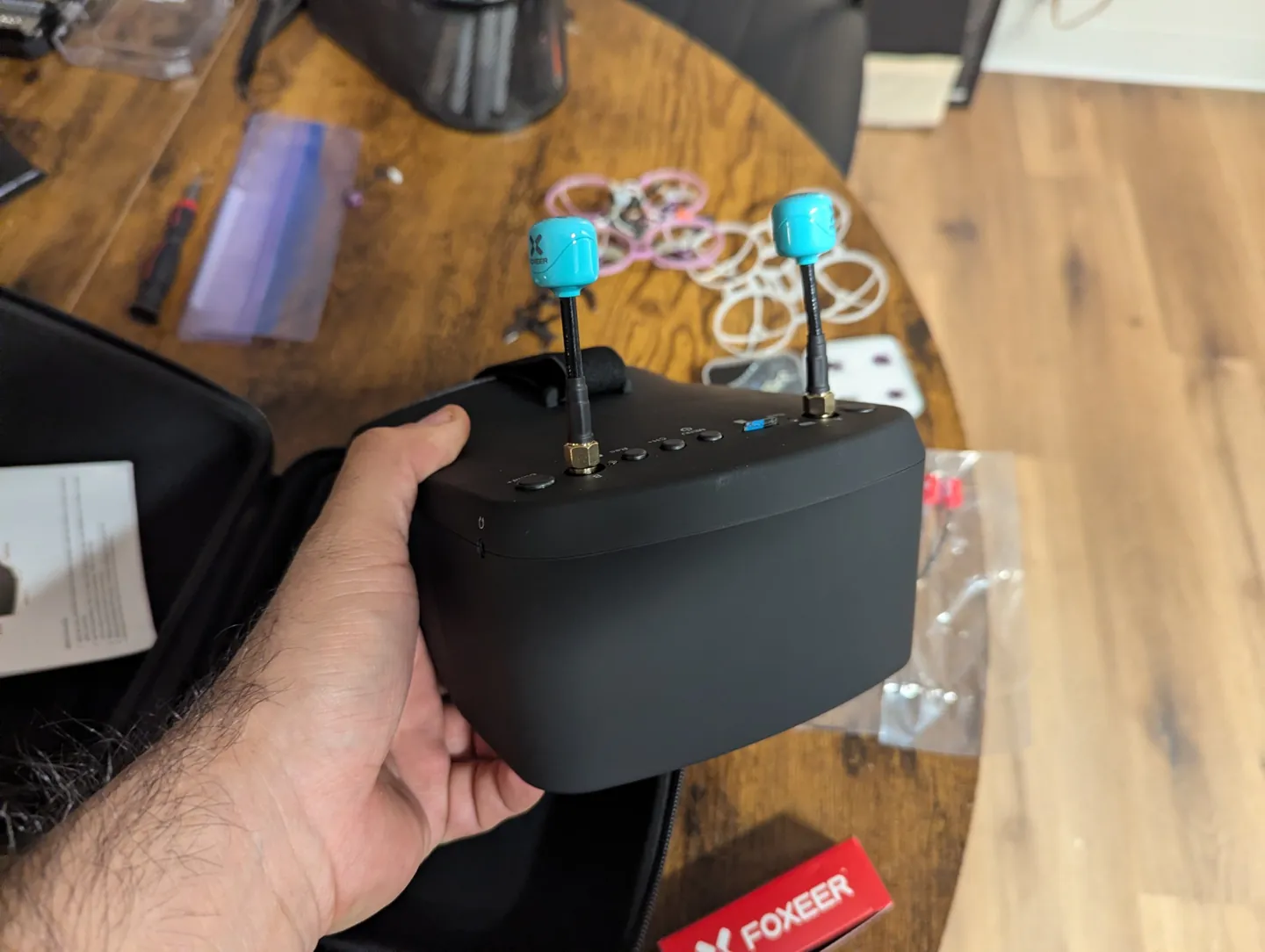
| Goggle antennas | Two Foxeer Lollipop 4 Plus omnis, RHCP. The RCmall patch comes later |
The key to not having to touch Betaflight: everything went back exactly where it came from. Same board orientation, same motor positions, same sockets. The flight controller has no idea anything happened. As far as it's concerned, it just had a very long nap.
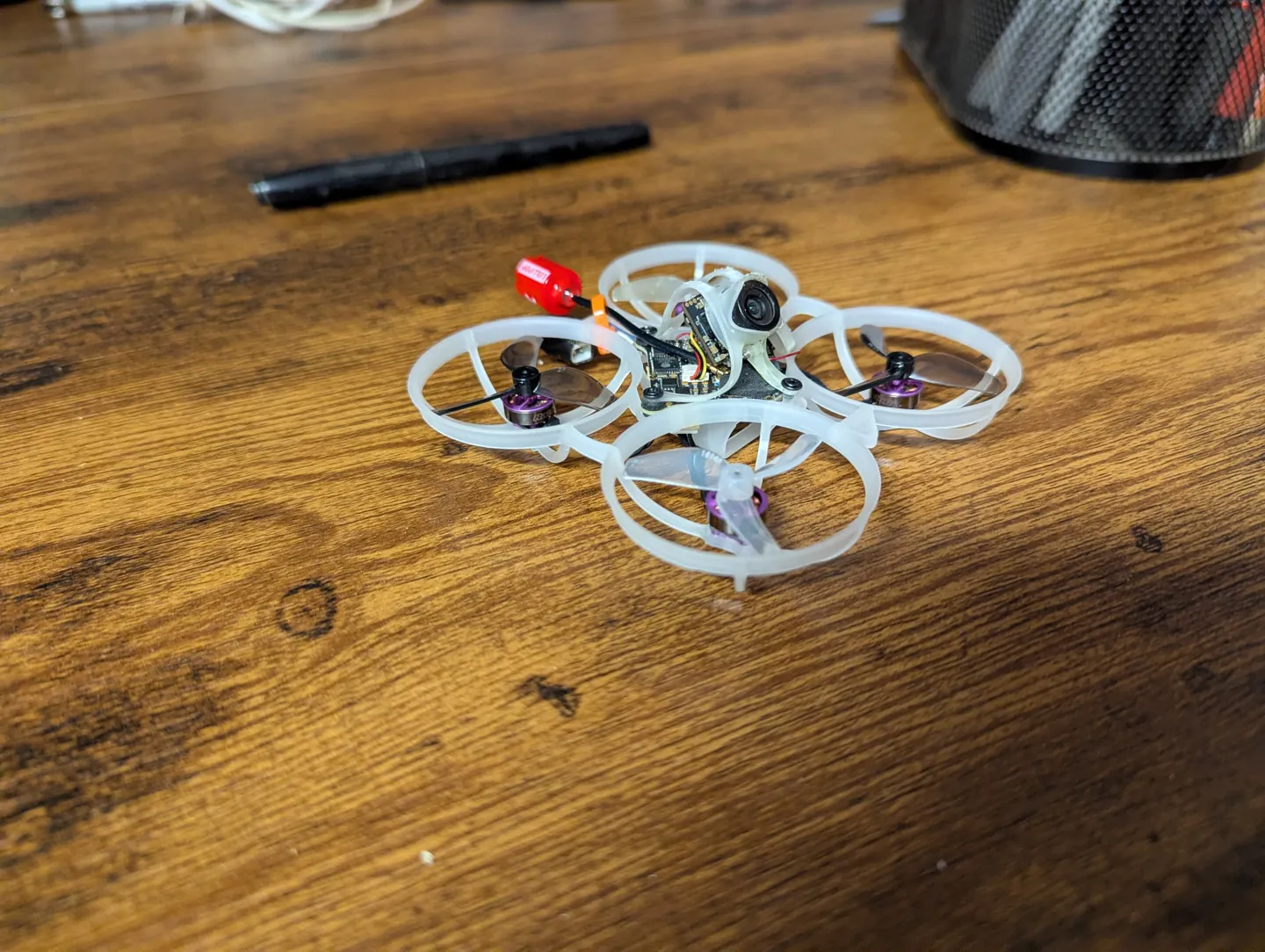
The moment of truth
Props off, battery in, Betaflight's Motors tab, one slider at a time.
All four spun. All four spun the right way. Including the two brand-new spares, which I'd half expected to spin backwards just to keep the tradition alive. No ESC changes, no CLI commands, no surprises. I didn't know what to do with myself.
Then props on, goggles on, and the first flight on the rebuilt drone.
It flies well. And the video is better. The new antennas, RHCP on both ends, cleaned up the picture noticeably in the same concrete apartment complex that used to turn it into static. Three episodes of reading about polarization finally paid off in something I could see.
What I'd tell past me
- Buy spare motors before you need them. The plan was to fix one motor. I ended up needing two. The spares turned a lost weekend into an evening.
- Lift connectors by the plug, never the wires. Whoop motor wires are hair-thin, and they don't forgive.
- Tiny clips need the right tool. Without it, don't force them. A bent shaft is worse than a stuck clip.
- Work over a towel or a magnetic mat. Screws this small don't fall, they vanish.
- Put everything back exactly where it came from. Same corners, same sockets, same board direction, and Betaflight never knows anything happened.
- Keep the broken parts. Today's dead motor is tomorrow's spare clip.
Next time
The drone is whole again. The video is clean. The batteries are the last suspects, and they're next in line for questioning.
After that, the only thing left to do is fly it. A lot. Into things, probably.
Can I still get better? Find out next time, on Gorilla Whoop Whoop.